Release Notes: Nov, 11th, 2024
Last updated: November 4, 2026
Overview
In this release, we’ve improved the user interface, expanded capabilities in the client portal and checkout process, enhanced workforce scheduling, and strengthened API functionality. Highlights include the addition of external ticket creation for new orders, flexible contract signing options, and performance enhancements across various modules.
User Interface
-
Edit the ticket's comments
Added the ability to edit internal comments on a ticket. Users can only edit their own comments.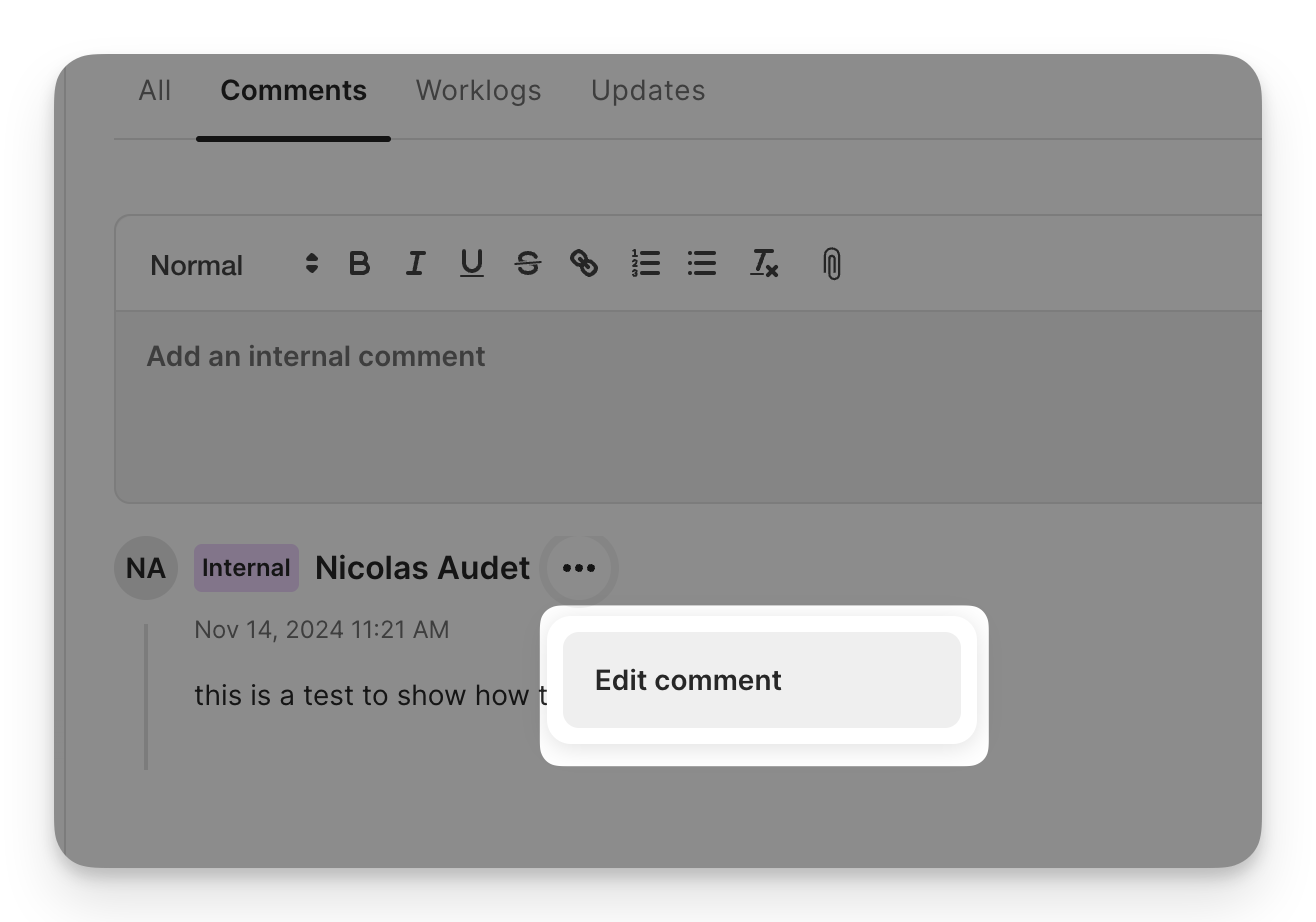
-
Searchable Fields in Address Creation
The “County” and “State” fields are now searchable.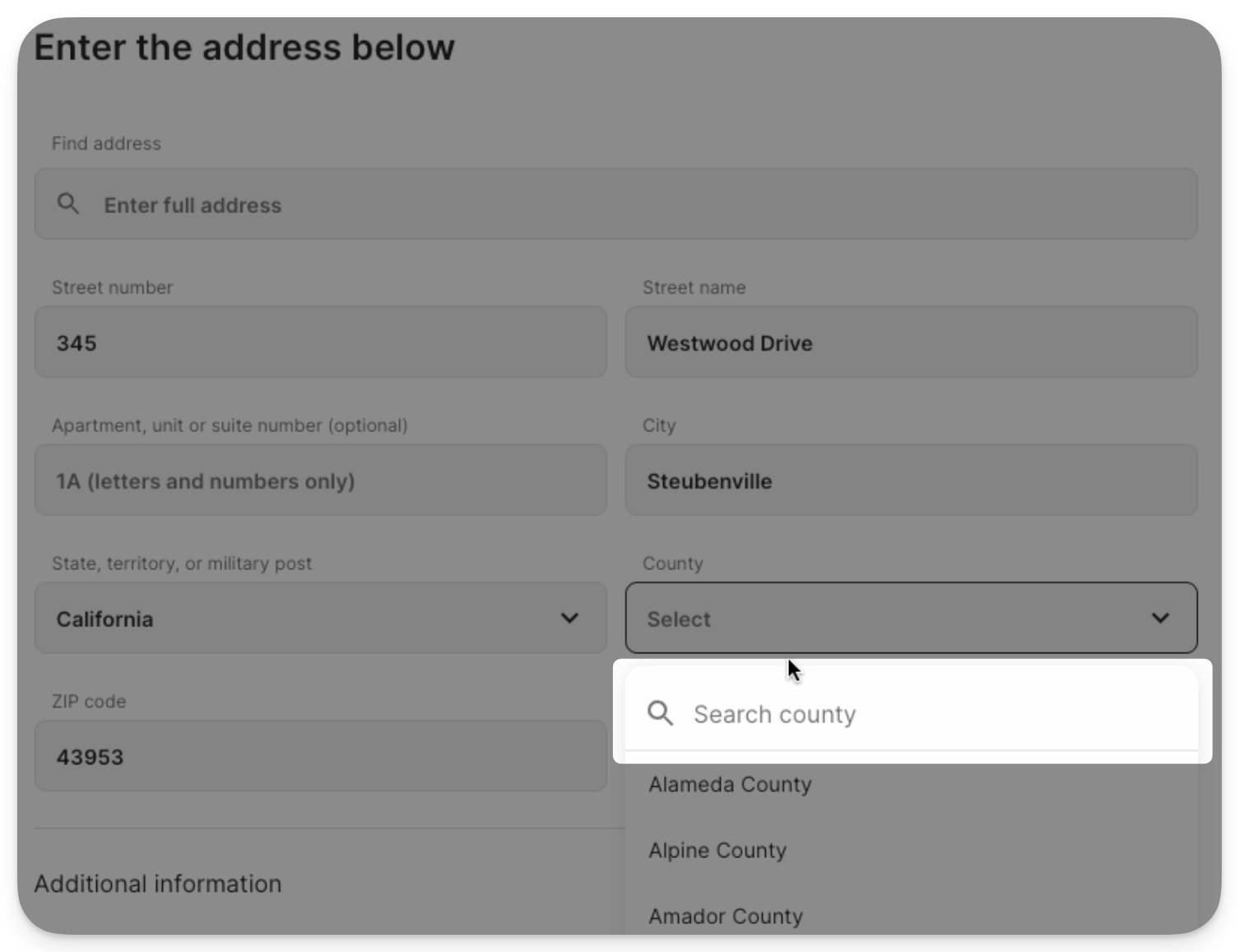
-
Navigation Enhancements
The “Settings” and “Help” pages are now visually separated from the main navigation using a subtle blur effect.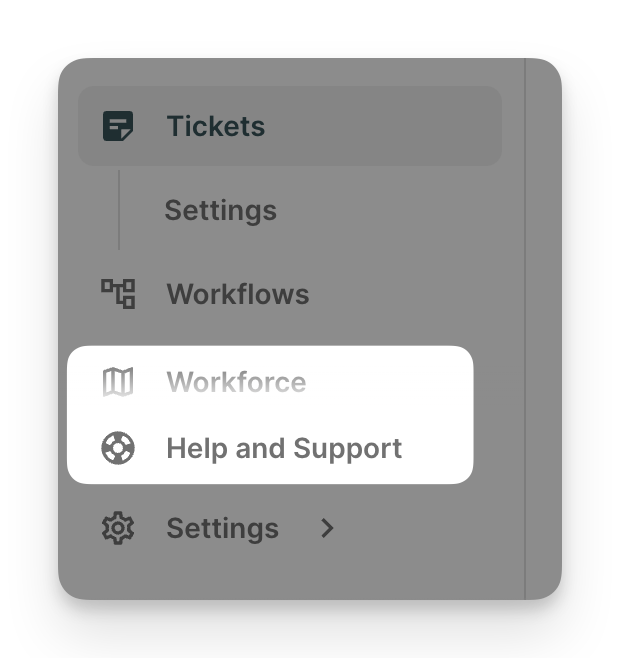
-
Pagination for Labels
The labels page in account settings now includes pagination for easier management. -
Bug Fixes
- [Fixed] Fixed an issue where archived custom fields were removed from accounts when adding a new field.
- [Fixed] Resolved an issue preventing users from navigating between account tabs on narrow screens.
-
[Fixed] Fixed a bug with the “New Message” modal in the
Account > Communications tab. - [Fixed] Corrected a display issue where the filter component did not appear on smaller screens.
- [Fixed] Removed the ACCOUNT_COMMERCIAL_NAME_UPDATED entity update type to resolve a type mismatch.
Checkout
-
External Ticket Creation for New Orders
Admin can now create external tickets directly for new orders. This can be enabled in checkout settings.
Client Portal
-
Inclusive and Exclusive Tax Support for Plan Changes
The client portal now supports both inclusive and exclusive taxes when customers modify their Internet plans. -
Flexible Contract Signing Options
Customers can sign contracts by either drawing their signature or uploading an image, adding flexibility to the signing process.
Billing
-
Auto-Pay Logic Enhancement
Auto-pay will now only attempt payments marked as “succeeded,” avoiding a new attempt on pending or failed transactions. - [Fixed] Resolved an issue where available funds were displaying incorrectly for failed payments.
Workforce
-
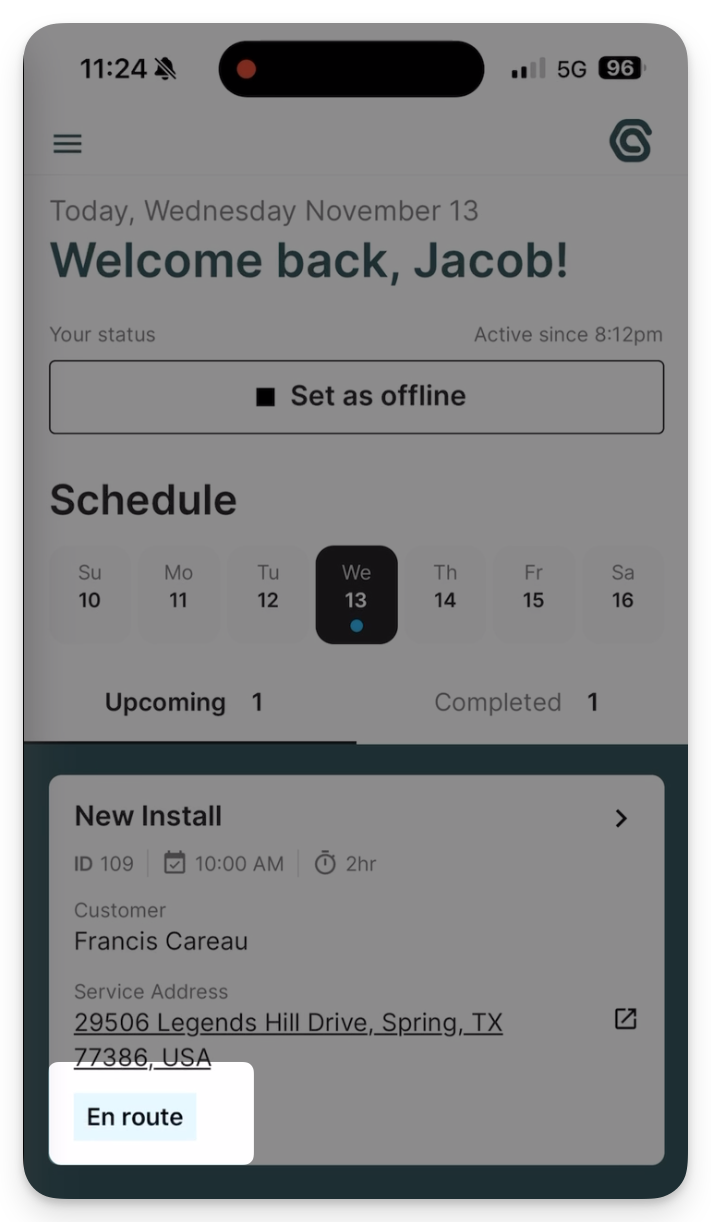
Technician Route Status
Technicians can now indicate when they are en route to a work order. In the near term, this will allow CSRs to view the technician’s destination, with customer notifications planned for the end of the year.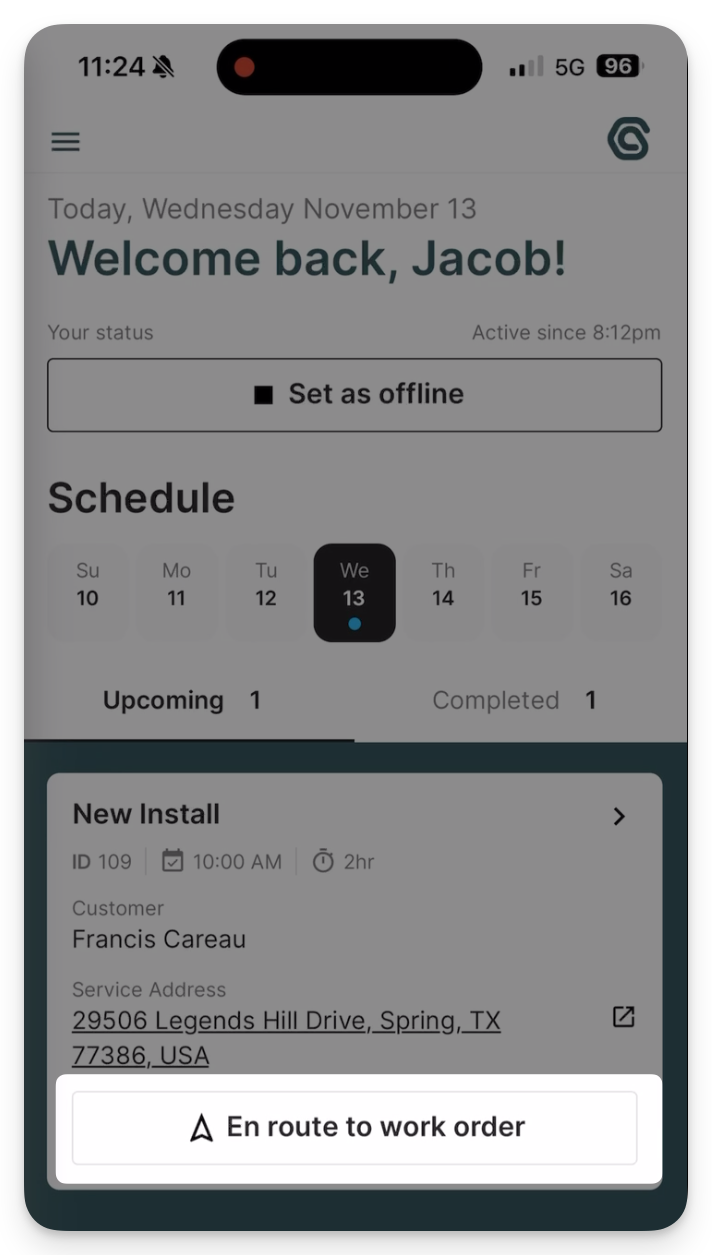
-
Profile View in Field Service App
Users can now access technician profiles by clicking on the technician’s name or icon, enhancing accessibility.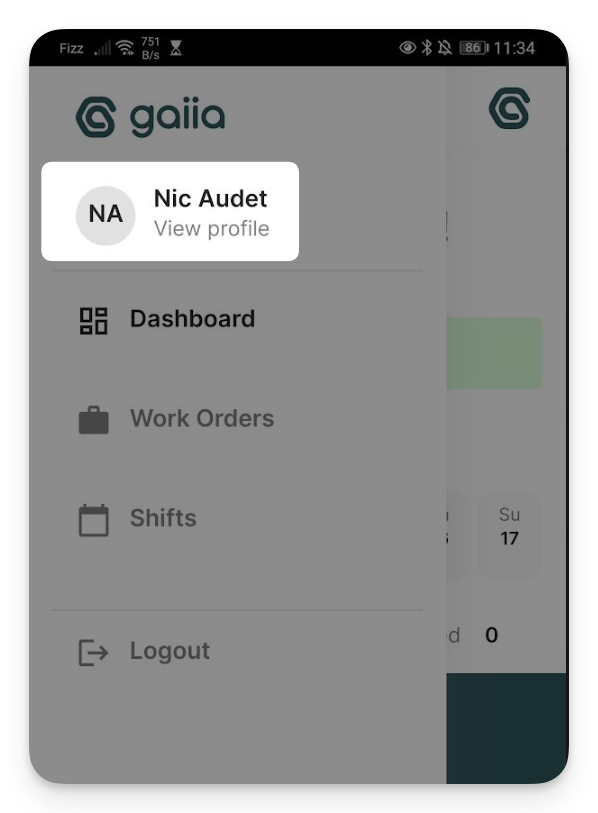
-
Workforce UI Enhancements
Minor UI adjustments have been made to improve component visibility on various screen sizes. -
Schedule View Optimization
Performance optimizations in the Schedule view improve loading times and efficiency.
API
-
New Invoice Webhook
We’ve added a webhook for invoices, enhancing client integration capabilities. -
Invoice Query by ID
Clients can now query invoices by their ID, offering more precise data access. -
Account Payment Method Retrieval
Retrieve and charge payment methods on an account as part of the billing API. -
Billing Entity Update
Invoices are now included within the billing entity in the API for streamlined billing management.